
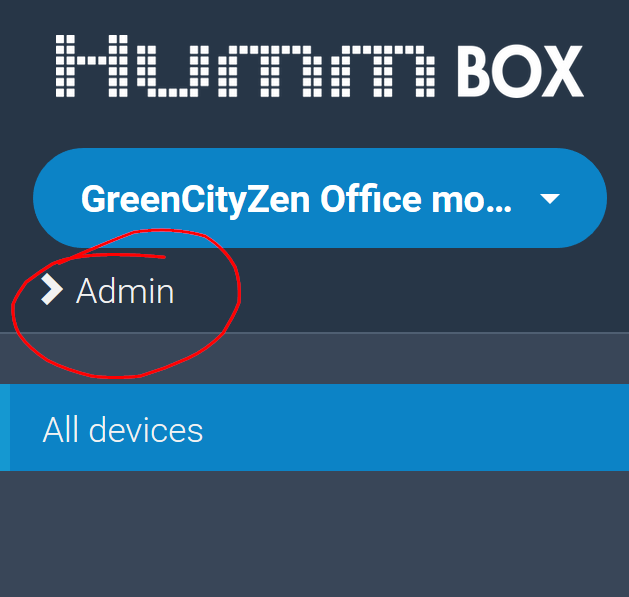
1. As an administrator, you can access the Admin application with the dedicated link in the Application :
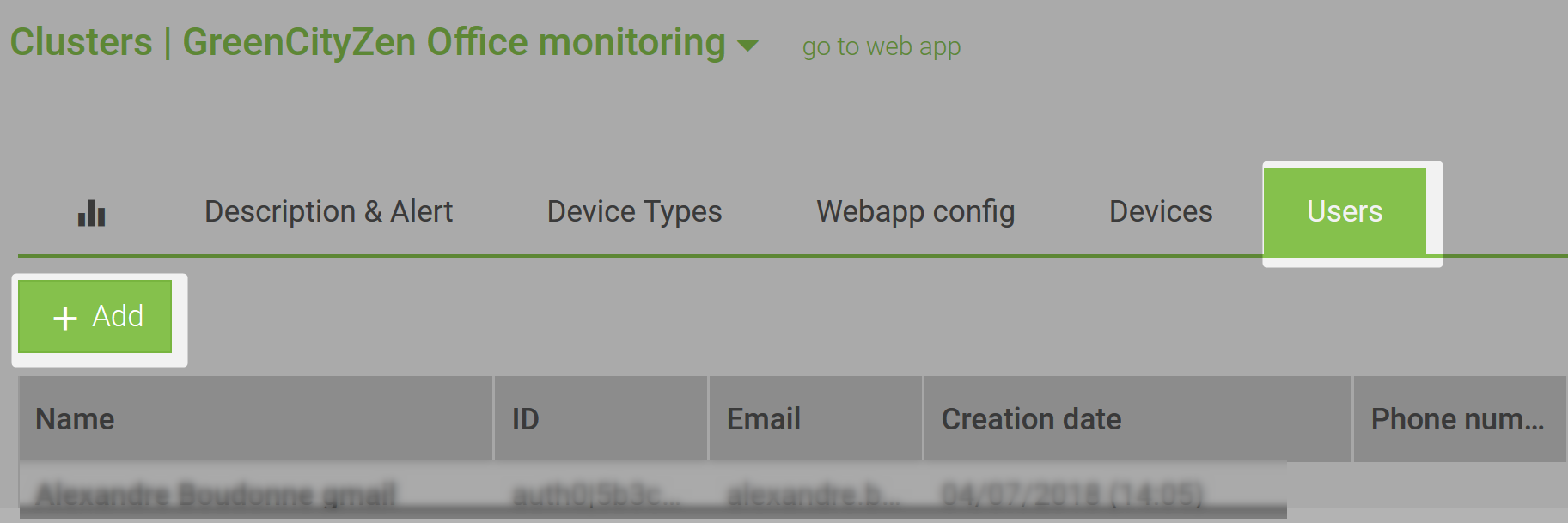
2. From the administration App, create the users using "Add" button
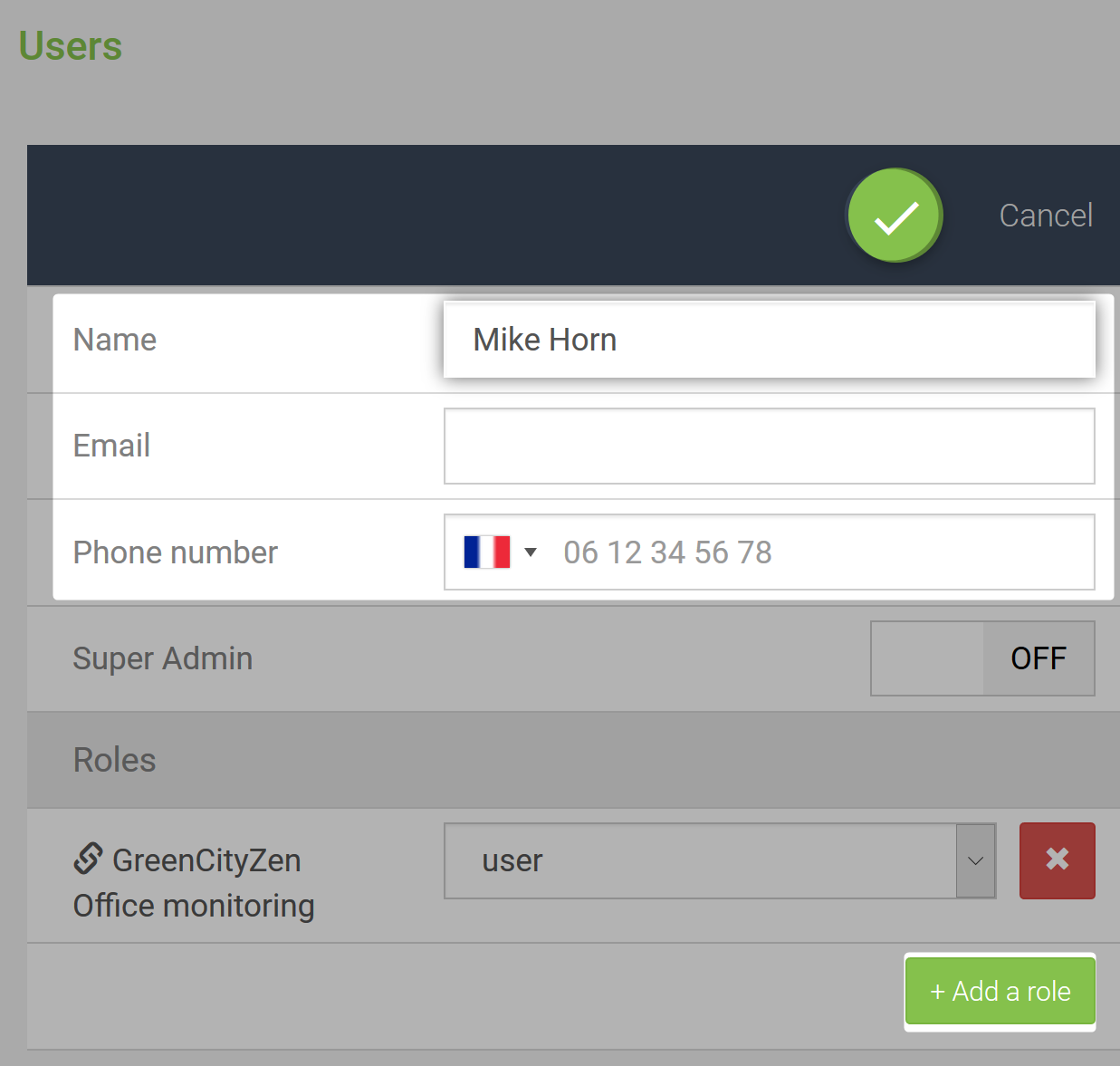
Validate the form with the save button at the top. The user will receive an email to set its password.
Note : In order to assign rights on multiple cluster, use the "Add a role" button
Comments
0 comments
Please sign in to leave a comment.